1. Click the Apple icon in the top-left corner of your screen and select About This Mac.
2. Take a screenshot of the window that pops up. It’ll look something like this:
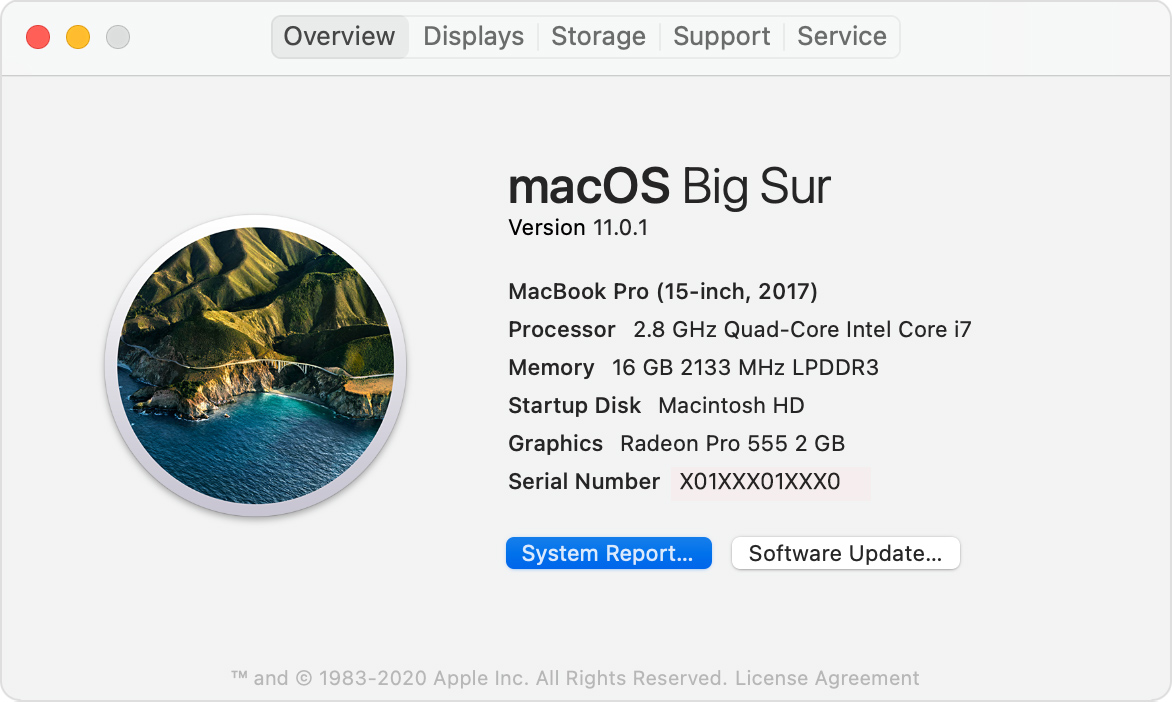
3. Upload that screenshot in the application form. You can blur or cross out the serial number if you want. I will not be keeping these images. I just want to see the specs of the computer you’ll be using.